

Help Elderly Parents With Passwords (Without Stress or Confusion)
If you’ve ever tried to help your parents log into an account, you’ve probably heard:
“I think the password is written somewhere…”
“Try my birthday… no, maybe the dog’s name?”
“I don’t remember which email I used…”
What starts as a simple login quickly turns into frustration — for both of you.
And underneath it all is a bigger concern:
What would happen if something urgent came up and no one could access anything?
This is more common than most families realise — and thankfully, it’s fixable with a simple, structured approach.
Why Passwords Become a Problem as Parents Age
Most older adults didn’t grow up managing dozens of online accounts.
Over time, things build up:
Banking logins
MyGov and Medicare
Email accounts
Utility providers
Subscriptions
Devices and Apple IDs
Without a clear system, passwords often end up:
Written in multiple notebooks
Saved inconsistently across devices
Reused (which creates security risks)
Forgotten entirely
This isn’t carelessness — it’s just lack of structure.
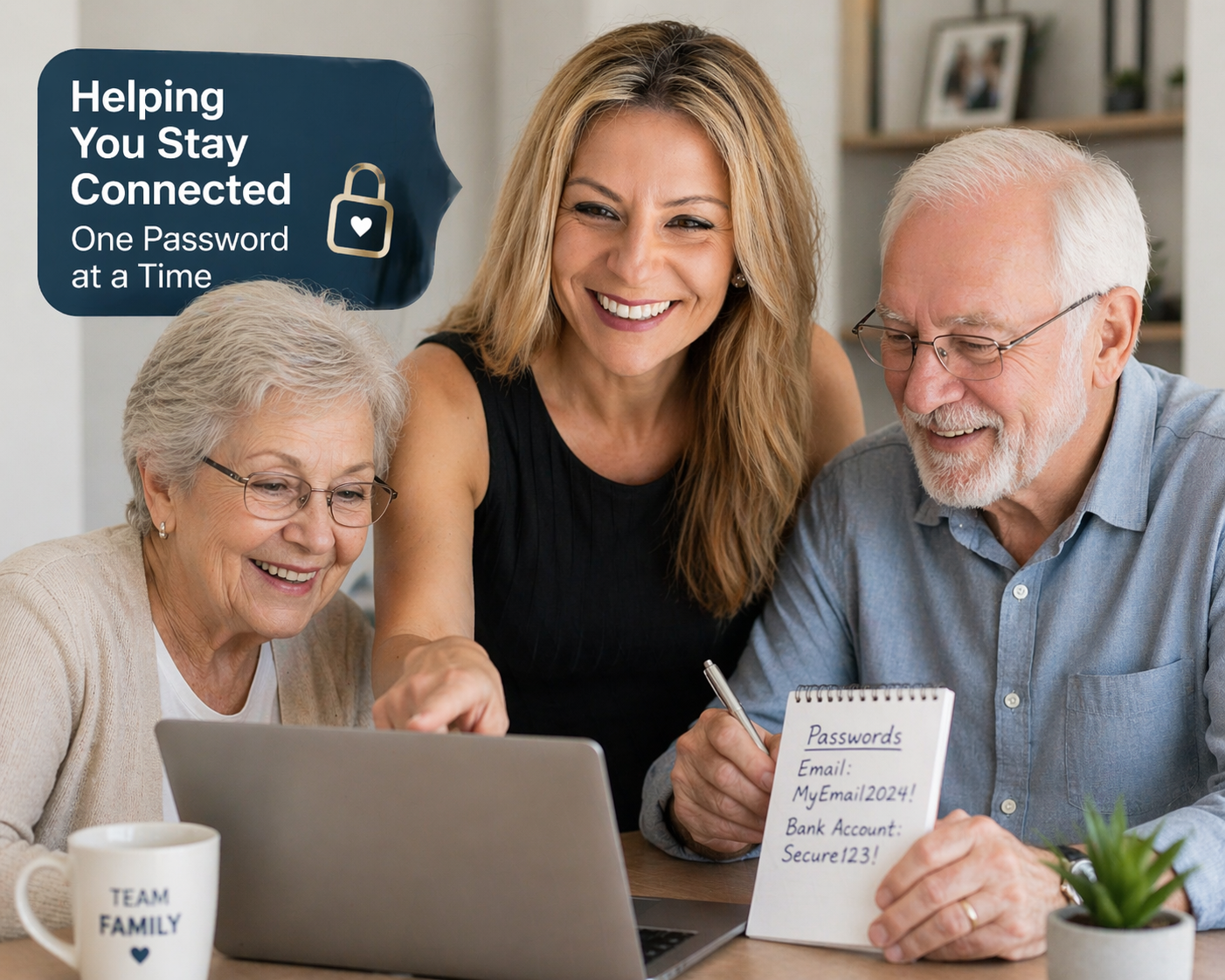
The Risks of Disorganised Passwords
When passwords aren’t clearly organised, it can lead to:
Locked accounts during important moments
Difficulty managing bills or services
Increased risk of scams or security breaches
Stress for family members trying to help
Confusion during medical or financial emergencies
Most families only realise the impact when they urgently need access — and can’t get it.
A Simple System to Help Your Parents
You don’t need anything complicated. You just need clarity.
Here’s a practical approach that works.
1. Start With a Conversation
Sit down and ask:
What accounts do you use regularly?
Where do you currently keep passwords?
What feels confusing or difficult?
This builds trust and helps you understand their current setup.
2. Create a Clear Account List
Start documenting:
Email accounts
Banking and financial services
Government services (MyGov, Medicare)
Utilities and subscriptions
If you’re not sure what to include, use a structured checklist like this:
Download the Digital Asset Checklist
3. Choose One Password System (and stick to it)
This is where most people go wrong.
Instead of multiple notebooks, browsers, and memory — choose one system:
A secure password manager (recommended)
OR a clearly structured written system
The key is consistency.
4. Organise Everything Clearly
Whether digital or physical, structure matters.
Group accounts into categories:
Banking
Government
Bills
Personal
This makes it easy for your parents — and anyone helping them — to navigate.
5. Plan for Emergencies
This is the step most families skip.
Ask:
If something happened, who would need access?
Would they know where to find everything?
Would they understand it?
Having a simple, clear record can make a huge difference.
When It Becomes Too Much to Manage Alone
Many families start this process… and then stop.
Not because they don’t care — but because:
It takes time
It feels overwhelming
They’re worried about doing it wrong
That’s where professional support can make a real difference.
How I Help Families Organise Passwords Properly
Through Digital Care Services Australia, I work with families to:
Identify and organise important accounts
Set up a secure password system
Structure digital documents clearly
Create a printed Digital Life Summary folder for family reference
Provide a simple “If Something Happens” guide
Everything is done calmly, step-by-step, in your parents’ home.
And most importantly:
Your parents stay in control — passwords are never shared with me.
The Goal Isn’t Just Organisation — It’s Peace of Mind
When everything is set up properly, families often say the same thing:
“I feel relieved.”
Because it’s no longer:
Scattered
Confusing
Stressful
It’s clear, secure, and ready when needed.
Start With One Simple Step
If you’re not sure where to begin, start here:
👉 Download the Digital Asset Checklist
https://www.digitalcareservices.com.au/digital-asset-checklist
Or, if you’d prefer help setting this up properly:
👉 View Digital Organisation Services
https://www.digitalcareservices.com.au/services
How do you help elderly parents manage passwords?
To help elderly parents manage passwords:
Create a list of all important accounts
Choose one password system
Organise accounts into clear categories
Store passwords securely
Ensure a trusted family member can access information if needed
