

The Complete Digital Asset Checklist for Australian Families (Free Download)
Organise Your Online Accounts Before Your Family Needs Them
Most families don’t realise how many accounts exist. Until something goes wrong.
Email, banking, subscriptions, social media, cloud storage, loyalty programs — these accounts build up over time and are often completely forgotten.
In fact, many Australians have 70–100 digital accounts, yet only keep track of a handful.
This becomes a serious problem when families need to:
access important information
manage finances
locate online accounts
organise digital assets after death
Without a clear system, families are often left guessing.
This page provides one of the most comprehensive digital asset checklists for Australian families, helping you identify, organise and manage your online accounts in one place.
The Checklist Every Family Needs Before It’s Too Late
Most families don’t realise how many online accounts exist…
Until something goes wrong.
Banking. Emails. Subscriptions. Government accounts.
If no one knows where they are — they can be lost, locked, or impossible to access.
What happens if accounts aren’t organised?
Important accounts can’t be accessed
Subscriptions continue charging
Family members are locked out
Time, money, and stress increase during already difficult moments
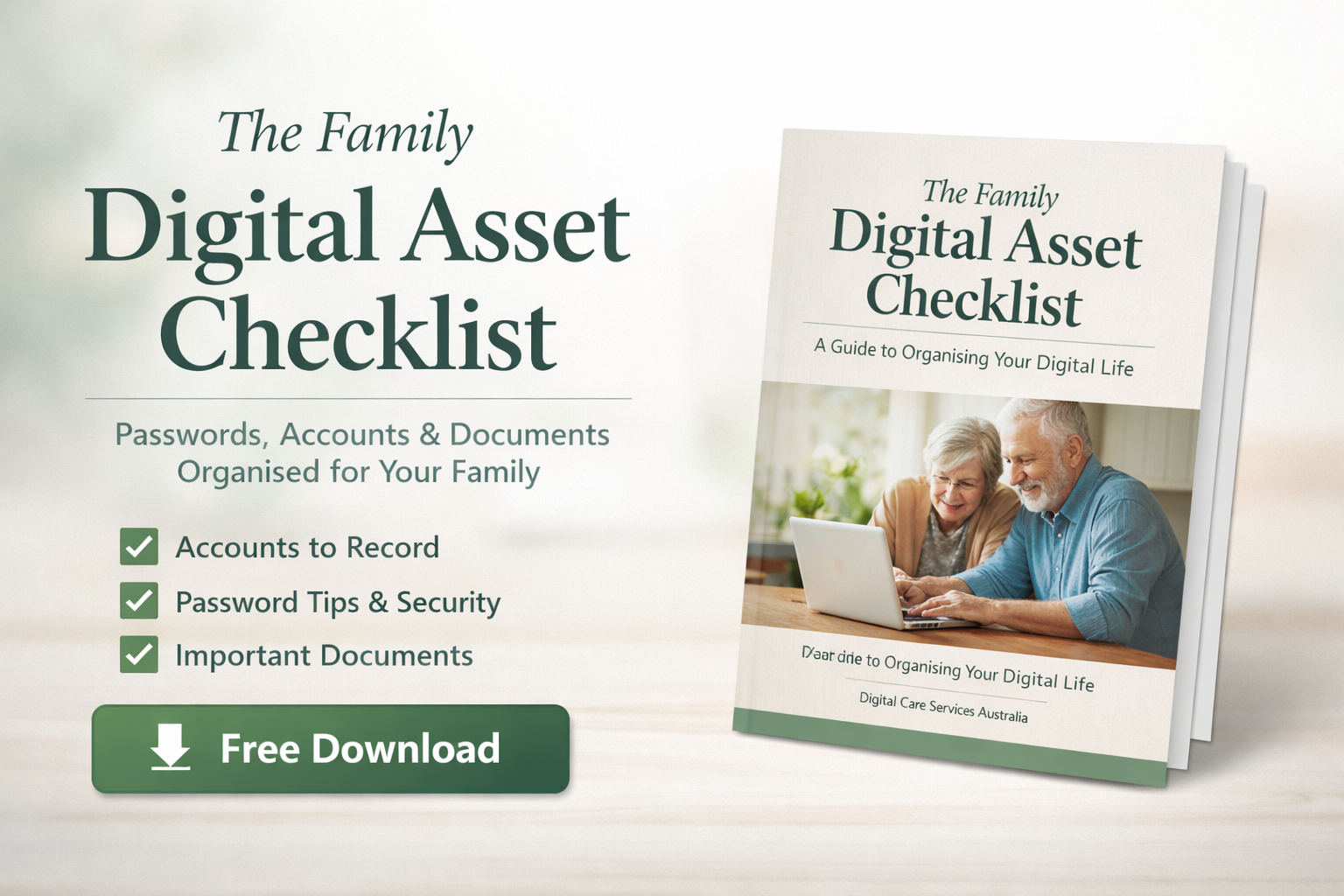
To make this process easier, we’ve created a simple, printable checklist to help you organise your digital life.
✔ Email accounts
✔ Banking and financial apps
✔ Government logins (MyGov and services)
✔ Subscription services
✔ Cloud storage and photo accounts
✔ Online shopping accounts
✔ Important digital documents
✔ Devices and access details
Download the checklist and begin organising your digital life today.
Who This Checklist Is For
This checklist is designed for:
Families helping ageing parents organise their digital life
Individuals wanting to get their accounts in order
Couples preparing shared access to important information
Executors managing digital assets after someone passes away
Many families also need support with passwords — see our guide on helping elderly parents manage passwords.
A Simple First Step Toward Digital Organisation
Many families start with this checklist before moving to a more complete system for organising their digital life.
At Digital Care Services Australia, we help families bring clarity to:
passwords
online accounts
important digital documents
technology used every day
The goal is to create a system that families can rely on when it matters most.
Need Help Organising Your Digital Life?
If you'd like help organising your online accounts, passwords and important digital information, we offer in-home services across:
If you’d prefer help with this process, our digital organisation services for families can guide you step-by-step.
Looking for a Complete List of Digital Accounts?
If you’re unsure what to include, see our full guide:
The Complete List of Digital Assets (100+ Examples)
This detailed list includes over 100 examples of online accounts across banking, subscriptions, government services and more.
Frequently Asked Questions
What is a digital asset checklist?
A digital asset checklist is a list used to record important online accounts such as email, banking, subscriptions and cloud storage so they can be easily located.
Why should families keep a list of digital accounts?
Without a list, families may struggle to find or access important accounts when needed.
Does this checklist include passwords?
No. The checklist helps record the existence of accounts, not sensitive passwords.
Is this checklist suitable for seniors?
Yes. The checklist is designed to be simple and easy to use for older Australians and their families.
If you’re unsure what to include, see our complete list of digital assets people often forget.
What Are Digital Assets?
Digital assets are any online accounts, files, or services you access using a login or password.
Over time, these accounts build up across many different platforms and devices.
Examples include:
Email accounts
Internet banking and finance apps
MyGov and government services
Social media accounts
Subscription services (Netflix, Spotify, etc.)
Cloud storage (Google Drive, iCloud, Dropbox)
Online shopping accounts
Digital photos and documents
Investment platforms
Online memberships
People planning their digital legacy
Without a clear record of these accounts, it can be difficult for families to locate important information when it’s needed.
Why Families Struggle With Digital Accounts
Many people assume their family will easily find their online accounts if something happens.
In reality, accounts are often scattered across:
different email addresses
multiple devices
old passwords
forgotten subscriptions
cloud services no one else knows about
This can leave families searching through phones, computers and emails trying to piece everything together.
Creating a simple checklist helps make sure the important information is recorded clearly and safely.
What’s Inside the Digital Asset Checklist
The checklist helps you organise the most common types of digital accounts people have today.
Banking & financial accounts
Government & identity services (myGov, Medicare, ATO)
Email & communication accounts
Subscriptions & recurring payments
Devices, cloud storage & backups
Social media & online profiles
Hidden accounts most people forget
It includes space to record:
Communication
Email accounts
Messaging apps
Video calling services
Financial Accounts
Internet banking
Superannuation portals
Investment platforms
Payment services
Government Services
MyGov accounts
Medicare
Tax services
Subscriptions
Streaming services
News subscriptions
Online memberships
Digital Storage
Cloud storage
Photo libraries
Document storage
This simple structure helps families quickly understand where important accounts are located.
Upgrade to the Ultimate Peace of Mind System
Loved the free checklist? Upgrade to the End of Life Planner & Organiser Bundle ($128) to get the complete physical journal, document folder, and full setup in one package.